
ARCHITECTURE & CONSTRUCTION WEBSITES
Give every project structure, context and commercial purpose.
We design websites for architecture practices, technical consultancies and construction companies that turn a large project archive into understandable evidence—with useful categories, substantive case studies and a clear route to the right enquiry.
FROM ARCHIVE TO EVIDENCE
People can find the work that answers their specific need.
A strong portfolio is not an endless image grid. It organises sectors, services, scale, role and outcomes so every project has useful context.
- 01
A portfolio with meaningful filters
Projects use real attributes such as type, sector, service or location rather than arbitrary tags.
- 02
Case studies that explain decisions
Selected work presents context, responsibility, constraints, solution and available evidence without invented metrics.
- 03
Services connected to proof
Design, planning, construction, supervision or specialist applications link to relevant work and focused enquiries.
- 04
A maintainable publishing model
The team can add projects, media and metadata inside a stable design system rather than redesigning each page.
PROJECT PLATFORM SCOPE
Portfolio, services and corporate presence work as one system.
Information architecture responds to the real body of work, the audience and the way projects are commissioned.
Project inventory and taxonomy
We document projects, categories, services, status, location, collaborators and publication rights.
Project listing and filters
We design fast discovery without hiding essential content from users or search engines.
Reusable case-study template
Structured fields, narrative blocks, media roles and related services protect quality without manual layouts.
Image pipeline and art direction
We define aspect ratios, compression, responsive sizes, captions and alternatives for drawings, renders and photography.
B2B enquiry journeys
Calls to action and forms adapt to service or sector and collect only what is useful for initial qualification.
SEO/GEO and migration
We plan crawlable project pages, metadata, schema, internal links and redirects for an existing portfolio.
A MANAGEABLE PROJECT INVENTORY
The next project should not break the consistency of the portfolio.
The content model defines what is required, who approves each asset and how a project appears across portfolios, services, sectors and related modules.
- 01
Controlled metadata
Project type, sector, services, location and status use an approved vocabulary.
- 02
Media rights and credits
Every photograph, render and drawing has a source, usage permission, credit and approved publishing role.
- 03
Performance budget
Galleries use responsive images and lazy loading while protecting the quality of the primary visual.
- 04
Editorial completeness
A project is published when it has sufficient context, not merely a title and three images.
RELATED WORK
Corporate and technical websites with different scales and forms of project evidence.
These case studies show how technical services, applications and project material can be organised without treating different industries as interchangeable.
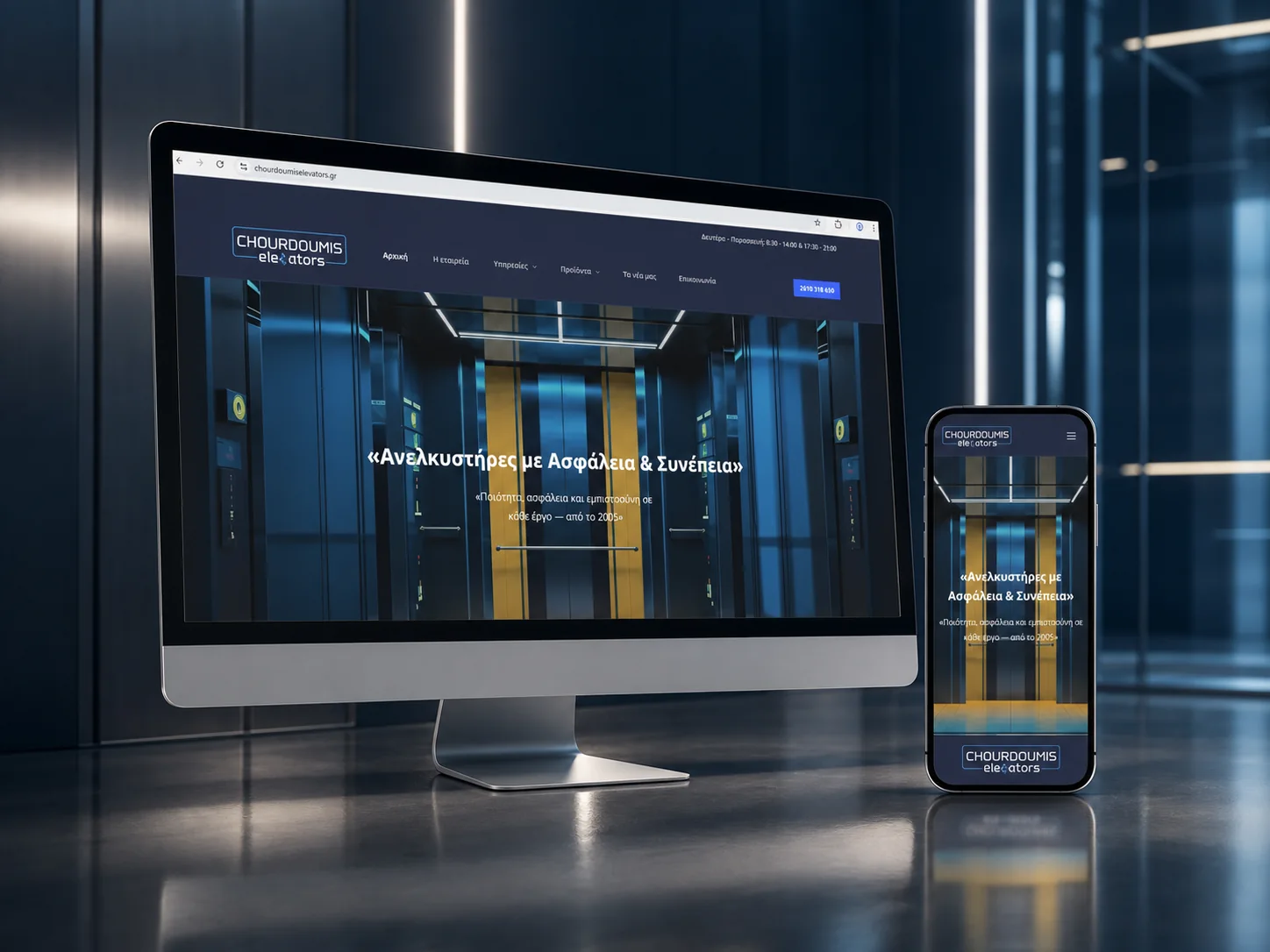 Corporate website · Technical sector
Chourdoumis Elevators
Services, products and corporate experience organised for B2B and professional audiences.
Chourdoumis Elevators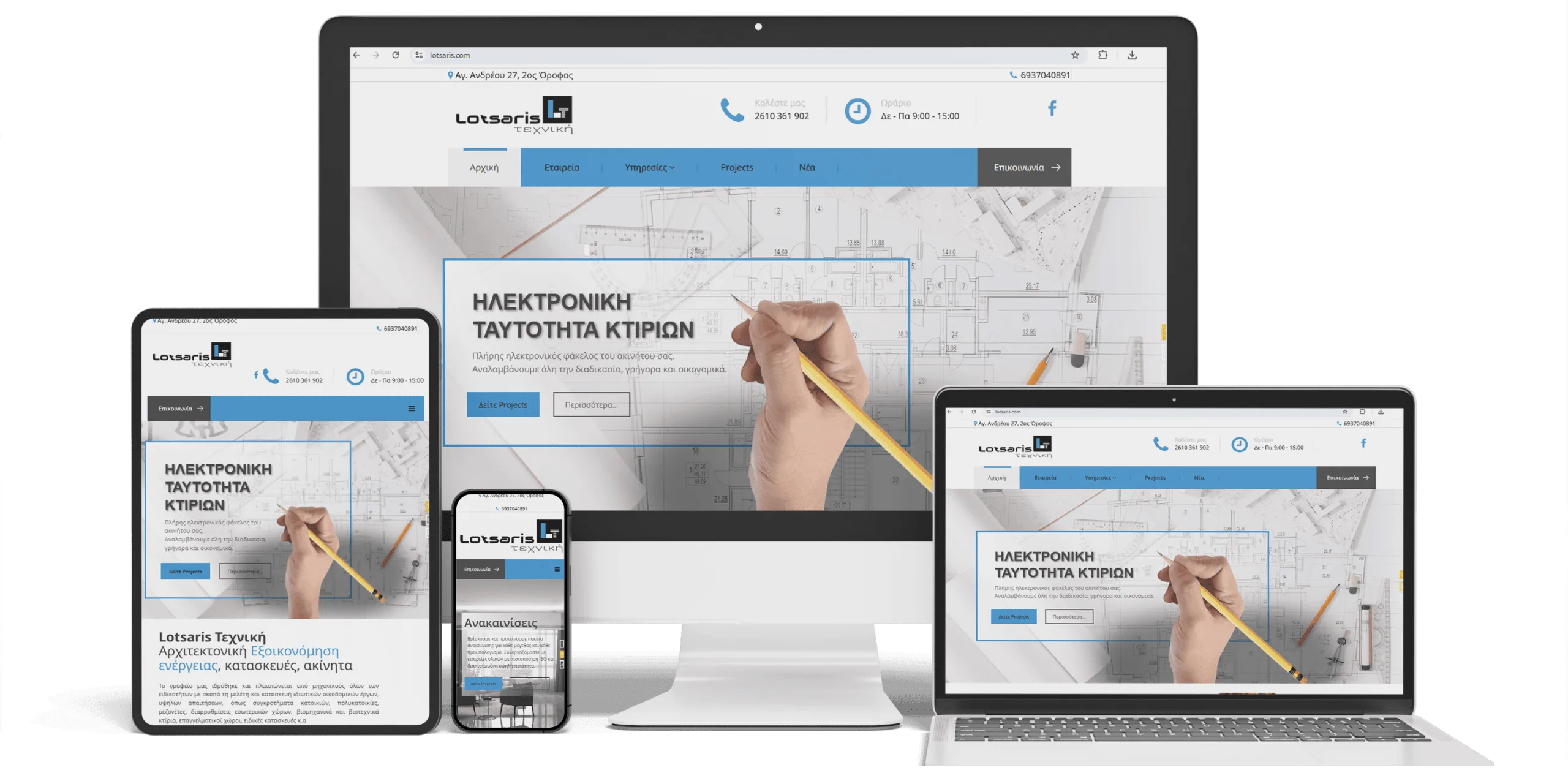 Website · Technical portfolio
Lotsaris Technical
Technical services and project work presented through clear categories and enquiry journeys.
Lotsaris Technical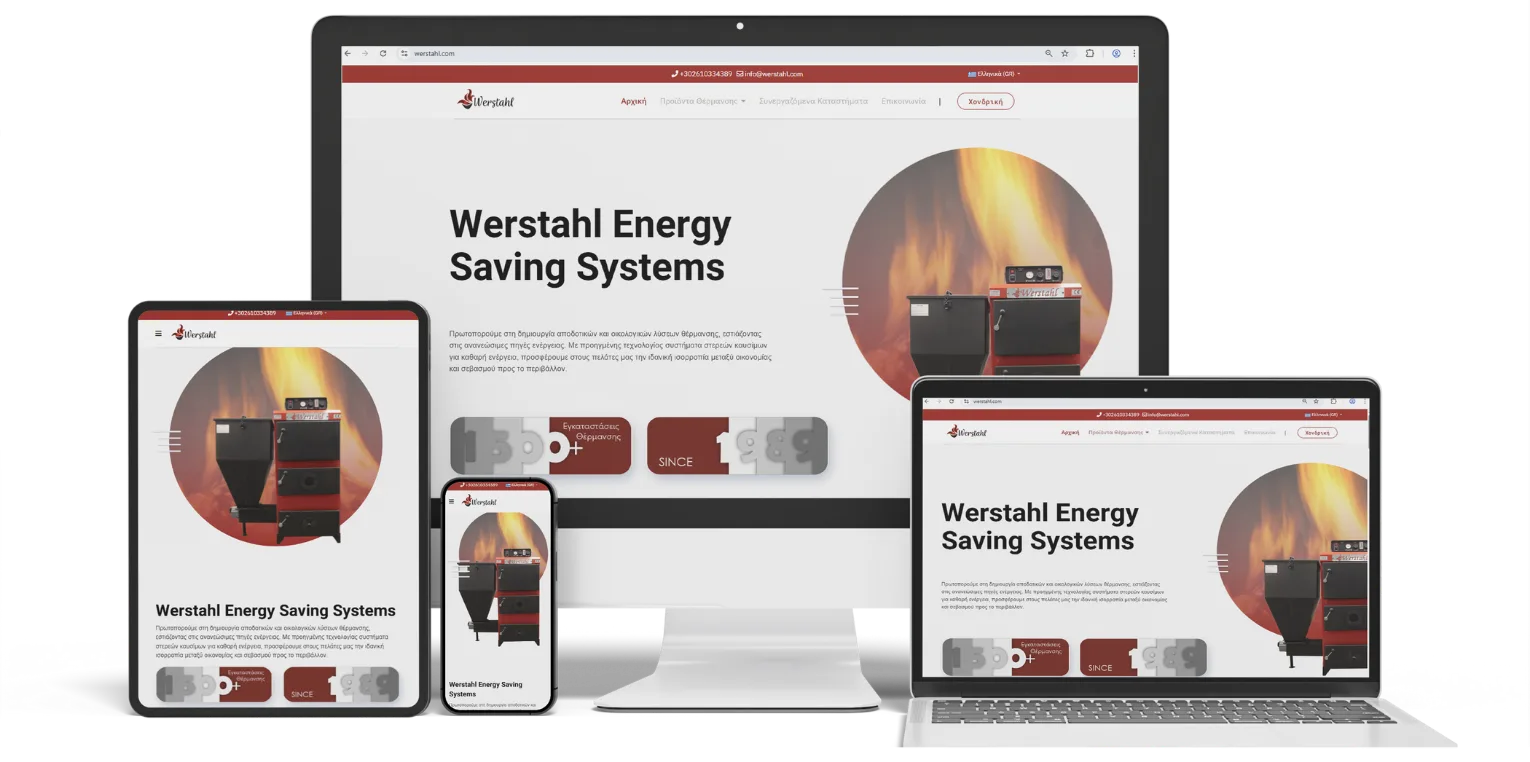 Corporate website · Construction materials
Werstahl
Corporate and product information structured to support technical decisions and professional contact.
WerstahlFROM INVENTORY TO DESIGN SYSTEM
First we organise the material. Then we design how people discover it.
The process reduces dependence on ad hoc layouts and allows the portfolio to grow consistently.
- 01
Content and asset audit
We inventory projects, services, copy, media, usage rights and evidence gaps.
- 02
Taxonomy and routes
We define controlled categories, URLs, filters and relationships between work and services.
- 03
UX and art direction
We design discovery, cards, detail templates and image rules for desktop and mobile.
- 04
CMS and migration
We implement the content model, migrate approved material and protect SEO URLs.
- 05
QA and editorial handover
We test filters, media, accessibility and performance, then train the publishing team.
PORTFOLIO STANDARDS
The visual experience remains strong because the system is disciplined.
Consistent aspect ratios, metadata and narrative allow very different projects to coexist without visual noise.
Structured project data
Critical fields remain data rather than disappearing inside manual markup.
Responsive media
Each image role has an appropriate aspect ratio, dimensions, compression and alternative text.
Search-safe filtering
Filtering improves navigation without generating uncontrolled indexable URL combinations.
Scalable governance
Publishing checklists, roles and approval steps protect quality after handover.
EVERY PROJECT NEEDS THE RIGHT CONTEXT
Turn the project archive into a useful business asset.
Show us the portfolio, services, sectors and current enquiry model. We will recommend a content model, design system and clear migration plan.
Discuss the projectFAQ
Architecture and construction website FAQs
Answers about portfolios, galleries, project pages, services, SEO and content management.
What should an architecture practice website include?
Most practices need a clear identity, services, selected projects with real context, team information, a working process and useful enquiry routes. Categories and filters should reflect the actual body of work.
Does every project need its own page?
Not every small record does. Important work benefits from a dedicated case study when there is enough material, a distinct intent and a useful narrative. Other projects can remain within a curated archive.
Can visitors filter the portfolio?
Yes. Filters should use controlled metadata, work without hiding essential content and avoid producing uncontrolled indexable URLs.
How do you handle large photography and render files?
We define image roles, responsive dimensions, an appropriate modern format, compression, lazy loading, captions and rights. The first visual remains strong without loading the entire archive.
Can our team add new projects?
Yes, through structured CMS fields, reusable templates and a publishing checklist. New work follows the established visual and editorial standard without manual page building.
Can projects and services link to each other?
Yes. Metadata allows each service or sector page to show selected relevant work and each case study to direct visitors towards the appropriate service.
What happens to confidential projects?
They are not published without permission. The agreed approach may be a restricted presentation, anonymised context or complete exclusion, depending on project obligations.
How do SEO and GEO support an architecture or construction website?
Through crawlable project and service pages, clear entities, metadata, schema, internal links and content that demonstrates real expertise. We do not create pages simply to repeat a sector and place name.
Can an existing portfolio be migrated without losing SEO value?
Yes, after a URL and content inventory. We preserve useful canonicals where possible, map necessary 301 redirects and verify metadata, internal links, images and sitemaps before launch.