
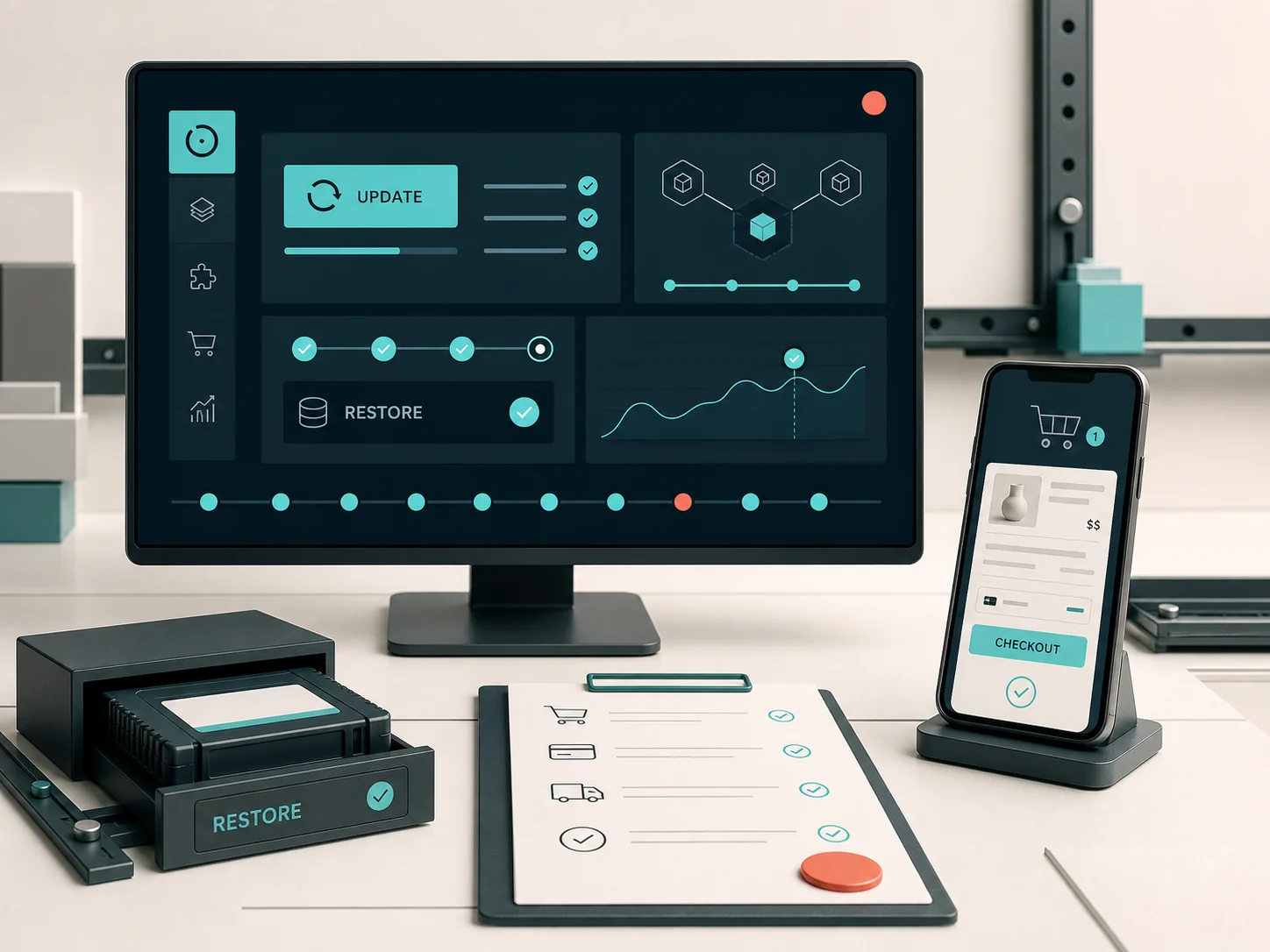
The short answer
Good maintenance is not “Update all”. It is controlled risk management.
A WordPress site needs a current inventory, complete and restorable backups, a safe update workflow, post-change checks and monitoring. On WooCommerce, testing must reach the real order journey — product, cart, checkout, payment, shipping, email and order status.
Updated: August 2026. This guide follows current official WordPress and WooCommerce documentation. Maintenance cadence and scope must reflect each site’s risk, change volume and business workflows.
What does WordPress maintenance actually include?
Maintenance is a recurring technical process: inventory of core, theme, plugins, users and infrastructure; update and compatibility review; backups and restore readiness; logs, scheduled actions and critical-function checks; and a record of changes. It is neither a single plugin purchase nor a promise that incidents can never happen.
Why does a WooCommerce store need stricter checks?
WooCommerce connects code to transactions and constantly changing data. Orders, stock, coupons, payments, couriers, ERP, feeds, taxes and transactional email create more dependencies than an informational site. An update may leave the homepage intact while breaking only checkout or a webhook.
Start with a baseline and explicit ownership.
Before a change, document hosting, DNS/CDN, WordPress and PHP, active components, custom code, integrations, administrator accounts, licences and approval responsibility. Accounts, data, licences and backups should belong to the business or be covered by an explicit management agreement.
DEPENDENCY LEDGER
Core → theme → plugins → gateway → courier → ERP → email
OWNERSHIP LEDGER
Domain → hosting → admin → licences → data → backups
A backup means files, database and a working restore path.
The official WordPress backup documentation explicitly separates files from the database: both are required for a full restore. A backup must be recent, retained appropriately, not depend solely on the same production environment and be tested periodically.
RESTORE POINTFiles + database + configurationA successful backup notification alone does not prove that recovery works.
Updates need a change window, not blind automation.
WordPress recommends supported, current versions, while its official hardening guide frames security as risk reduction, not risk elimination. Before a significant change, review release notes, known incompatibilities, PHP/database requirements and rollback options.
When is staging necessary?
Use staging when a change can affect revenue, custom functionality, data or complex integrations. The official WooCommerce update guide recommends a current backup and staging test before customers are affected. Staging must be representative without accidentally sending real orders, emails or callbacks.
After an update, test the actual store journey.
“The site loads” is not enough. Test a product, variation, add-to-cart, coupon, checkout, an appropriate test payment, shipping, tax, order email and backend status. Review scheduled actions and warnings too. WooCommerce’s own documentation calls for post-update testing of the store workflows that matter.
TRANSACTION TEST / 01PRODUCTCARTCHECKOUTPAYMENTEMAILPASS / INVESTIGATE / ROLLBACK
Security is layered and responsibility is shared.
The host protects the infrastructure it manages; the owner and technical team remain responsible for the application, accounts, plugins, data and process. Updates, least privilege, MFA where supported, trusted software sources, safe backups, WAF/rate limits and monitoring work together. No single tool is sufficient.
Performance maintenance without arbitrary database “cleaning”.
Review real Core Web Vitals and bottlenecks, cache/CDN, media, autoloaded options, database growth, object cache, PHP workers, cron and failed scheduled actions. Do not bulk-delete data or revisions without understanding dependencies and holding a safe backup. Measure changes before and after.
Monitoring needs a signal, an owner and a response.
Uptime, errors, failed jobs, security events, storage and critical transactions need thresholds, recipients and response procedures. A dashboard nobody reviews is not an operations plan. For a store, a homepage returning “200 OK” does not prove that customers can order.
Maintenance and emergency recovery are not the same.
Preventive maintenance reduces the likelihood and impact of problems. An active compromise, corrupted database, broken checkout or sudden outage needs incident response: containment, diagnosis, safe recovery, root-cause review and monitoring. It should not be re-labelled as a routine update.
How often should maintenance happen?
There is no responsible universal frequency. Cadence depends on transaction and content volume, component risk, integrations, staging availability, recovery requirements and expected alert response. A security release may require faster assessment than a planned functional change.
Lower risk
Small informational site, few changes, no transactions.
Medium risk
Leads, integrations, frequent content and business-critical forms.
Higher risk
WooCommerce, payments, stock, ERP/courier and continuous transactions.
What belongs in a maintenance report?
Record the baseline, backup/restore point, changes, tests, failures, open issues and licences, residual risk and next maintenance window. This creates continuity, an audit trail and accountable ownership.
DIY or managed maintenance?
A simple site can be maintained internally when there is a technical owner, a backup/restore process and time for testing. Managed support is more appropriate when the site generates leads or revenue, connects to third parties, lacks an in-house team or needs defined response and reporting.
A practical pre-completion checklist.
- Record the current version and change scope.
- Create a complete restore point for files and database.
- Review releases, requirements and known incompatibilities.
- Test high-risk changes on staging.
- Run functional checks on forms or the complete order journey.
- Review logs, scheduled actions, email and integrations.
- Document the result, open issues and next action.
How can Firstidea help?
We take over existing sites through an initial audit, controlled updates, backups, functional QA, monitoring and explicit ownership boundaries. Explore WordPress & WooCommerce support, website security improvement and managed hosting. For a suspicious CAPTCHA or active incident, see our ClickFix guide.
Frequently asked questions
What is included in WordPress maintenance?
Scope may cover inventory, backups, controlled updates, functional checks, security and performance review, monitoring and reporting. New features and redesign are separate unless explicitly agreed.
How often should updates be applied?
According to risk, release type and site function. Security releases are assessed quickly, while high-risk changes are scheduled with backup, staging and testing.
Are automatic updates enough?
They can suit selected low-risk components, but they do not replace monitoring, compatibility review and functional testing — particularly on WooCommerce or custom integrations.
Is staging always required?
Not for every minor change. It is required when failure could affect transactions, custom functions, data or critical integrations.
Is a hosting backup sufficient?
Not without knowing its contents, recency, retention and restorability. Full WordPress recovery generally requires both files and database.
What happens if an update breaks the site?
Stop the release, record the failure, roll back or restore where needed and test the fix outside production before trying again.
Can maintenance prevent every compromise?
No. It reduces risk, improves detection and organises recovery. No responsible technical team can guarantee absolute security.
How does WooCommerce maintenance differ?
It adds transaction QA for products, cart, checkout, payments, shipping, taxes, emails, stock and integrations.
Does maintenance include performance optimisation?
It can include monitoring and baseline fixes within scope. Large infrastructure or front-end changes may require a separate project.
Who owns premium licences?
Licences belong to the client or are supplied as managed licences only when explicitly stated. Ownership and continuity after the engagement must be clear.
Can you take over a site built by another agency?
Yes. Takeover starts with an audit of access, code, hosting, plugins, licences, backups, SEO-visible behaviour and critical integrations.
What should a maintenance report contain?
The restore point, changes, tests, result, open issues, versions/licences, residual risk, owner and next scheduled action.