
The short answer
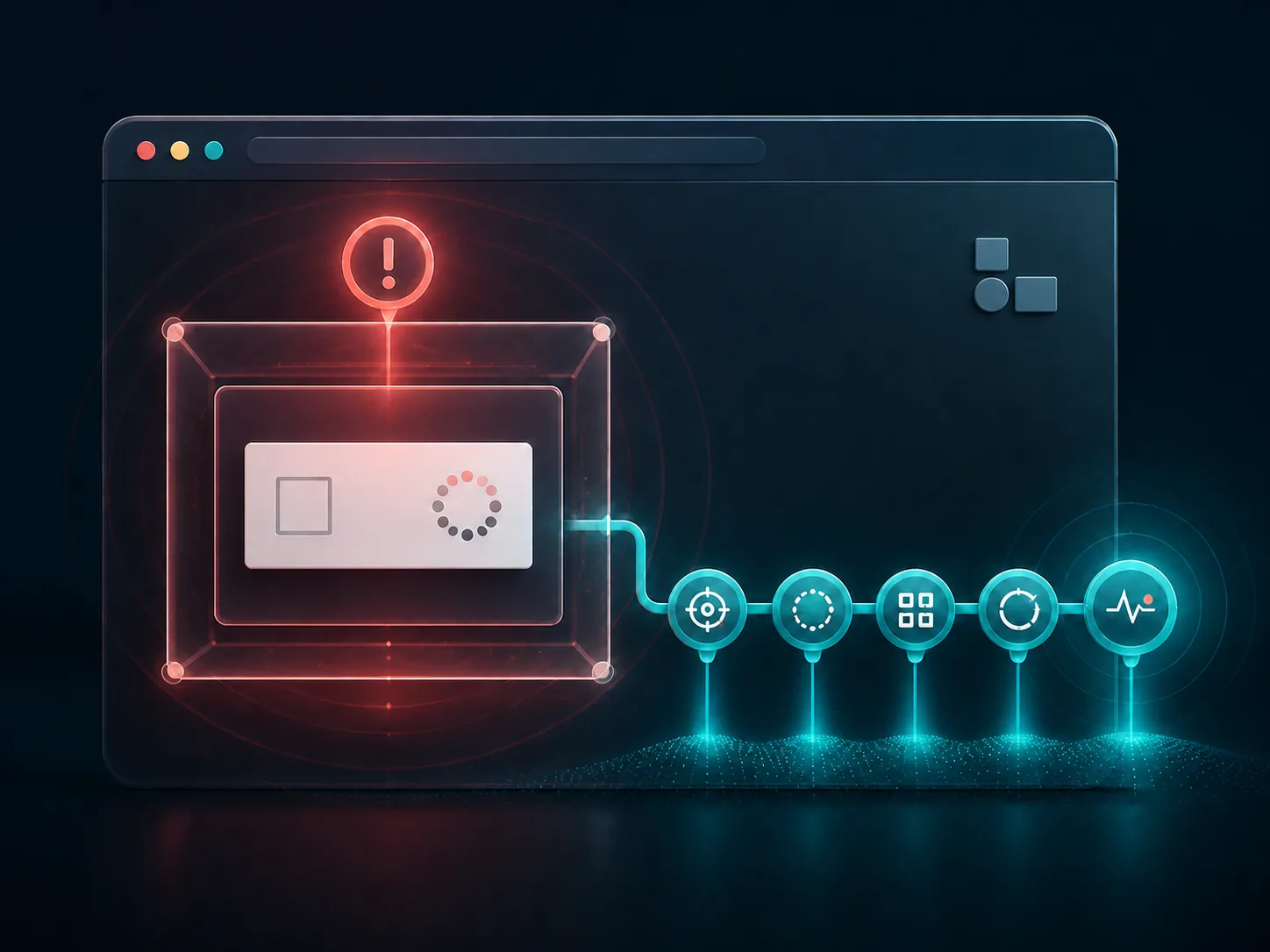
A CAPTCHA that asks a visitor to run a command is not a legitimate security check.
If this appears on a WordPress site, treat the website as potentially compromised until a technical investigation is complete. Do not follow the popup, do not stop at deleting the visible code and do not keep sending visitors to the affected page.
If a visitor followed the instructions: this may also be an endpoint incident, not only a website incident. Disconnect the device from the network, contact an IT/security professional and change sensitive credentials from a known-clean device.
What is ClickFix?
ClickFix is not one malware family or a WordPress plugin. It is a social-engineering technique: a persuasive message — often a fake verification step, CAPTCHA or error — persuades the user to perform an action that may install malware. Microsoft’s ClickFix analysis documents phishing, malvertising and compromised websites as delivery routes.
The distinction matters. A compromised WordPress site can act as the delivery surface, while the visitor’s device is primarily endangered if the person follows the deceptive instructions. The two incidents require separate investigation and recovery.
How can a WordPress website become a delivery surface?
There is no universal entry point. Initial access may involve an unpatched component, stolen credentials, an untrusted plugin or theme, a compromised hosting account or poor separation between multiple sites. After gaining access, an attacker can inject scripts, redirects or content shown only to particular visitors, devices or traffic sources.
A clean screenshot or the popup failing to appear for an administrator does not prove that the site is safe. Investigation should cover files, database records, users, scheduled tasks, logs, neighbouring installations and the mechanism that enabled the compromise.
Which signals should trigger an immediate investigation?
01
Fake verification
A prompt asks the visitor to open a system tool, paste something or execute a command.
02
Unexpected behaviour
Redirects, new tabs, overlays or different content by device, country or referrer.
03
Unknown changes
New administrators, plugins, files, scheduled jobs or unexplained configuration changes.
04
Third-party warnings
Search Console Security Issues, browser warnings, hosting alerts or customer reports.
What should the site owner do immediately?
- Limit exposure. Take the harmful behaviour out of circulation or use a safe maintenance process without destroying useful evidence.
- Notify the host and security owner. Preserve logs and capture the incident before making rushed deletions.
- Rotate access from a clean device. WordPress, hosting, SFTP/SSH, database, email and connected services, with active sessions revoked where possible.
- Inspect the whole account. A neighbouring installation, shared credential or infected administrator device can reintroduce the problem.
- Do not rely on one scanner. Tools are useful, but recovery requires scope, root cause, trusted rebuild or restore and verification.
The official WordPress “My site was hacked” guidance recommends careful documentation, host coordination, access rotation and a safe cleanup process — not merely removing the symptom.
What should a visitor do after following the instructions?
Visitor device
Potential endpoint incident
- Disconnect from the network.
- Contact IT/security.
- Use a trusted endpoint investigation process.
- Change sensitive credentials from a clean device.
- Monitor email, accounts and financial activity.
WordPress website
Potential site incident
- Containment and log preservation.
- Scope review across account and integrations.
- Identification of initial access.
- Clean restoration or rebuild.
- Hardening, monitoring and Search Console review.
Firstidea does not recommend improvised cleanup commands on an endpoint or server. The right actions depend on the incident, and an incorrect intervention can destroy evidence, leave persistence behind or interrupt critical services.
A responsible recovery follows an incident-response cycle
01 · Contain
Reduce exposure without losing useful evidence.
02 · Scope
Files, database, accounts, logs, neighbouring sites and integrations.
03 · Eradicate
Remove persistence and correct the initial cause.
04 · Recover
Restore from a known-clean baseline, test and reopen in stages.
05 · Monitor
Logs, file integrity, accounts, traffic and recurrence indicators.
How does SEO recover after a warning or hacked content?
Check the Security Issues report in Google Search Console. Example URLs may not be a complete list, so the fix must be sitewide. After recovery, test safely, document what changed and request a review. Google’s official Security Issues process says the review should be requested only after the entire site has been fixed.
- Check warnings, hacked pages, injected URLs and unwanted canonicals.
- Confirm sitemaps, indexability and robots rules after cleanup.
- Do not browse suspicious URLs directly from an everyday work device.
- Monitor coverage, branded queries, crawl activity and warnings after review.
How can the risk of recurrence be reduced?
Perfect security does not exist. The official WordPress hardening guidance treats security as continuous risk reduction: updates, trusted sources, least privilege, strong access controls, tested backups, monitoring and sound infrastructure.
Updates
Core, plugins, themes and PHP on supported releases.
Access
2FA, unique passwords, least privilege and session review.
Supply chain
Components from trusted sources and removal of unused software.
Recovery
Off-site backups that have actually been tested.
Detection
Logs, file-integrity monitoring, WAF and owned alerts.
Containment
Separation of sites, accounts and environments to limit blast radius.
When is specialist takeover appropriate?
If the popup returns, unknown changes exist, multiple sites are affected or a browser/Search Console warning appears, the incident needs a structured takeover. Firstidea can inspect the WordPress and hosting account, coordinate containment with the host, establish scope and root cause, restore safe operation and organise hardening and monitoring. For corporate endpoints, we coordinate with the organisation’s IT/security owner.
Explore our WordPress & WooCommerce support, website security improvement and existing-system takeover services.
Frequently asked questions
Is every unusual CAPTCHA a sign of ClickFix?
No. A legitimate CAPTCHA can fail or be misconfigured. However, no legitimate verification should ask a person to execute a system command. That is a serious red flag and requires immediate investigation.
Is deleting the popup or suspicious script enough?
No. The visible injection is a symptom. Initial access, persistence, affected accounts and neighbouring installations must be investigated or the problem may return.
Is a device infected automatically when it opens the page?
Not necessarily. ClickFix relies primarily on persuading the user to perform an action. Even so, treat any suspicious page cautiously and avoid further interaction.
Should every password be changed?
A structured rotation of relevant credentials from a clean device is usually required after the scope is understood. This may include WordPress, hosting, file access, database, email and critical integrations, plus active-session revocation where supported.
When should I request a Search Console review?
Only after the sitewide recovery is complete, all related URLs have been checked and you can explain what was fixed and how recurrence risk was reduced.
Can Firstidea guarantee that no attack will ever happen again?
No responsible team can promise absolute security. We can materially reduce risk, shrink the attack surface, improve detection and recovery and establish a clear incident-response process.